Flash a node from your browser.
Plug your ESP32 in over USB, pick the board, click Flash. Nothing to install — Chrome or Edge on a desktop.
Looking for the communicator? That is a separate flasher → Flash the communicator
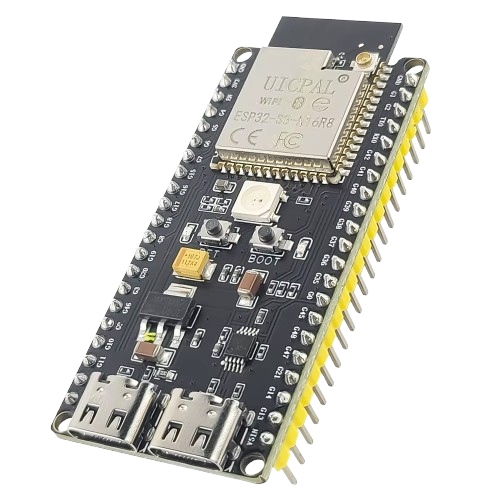 ESP32-S3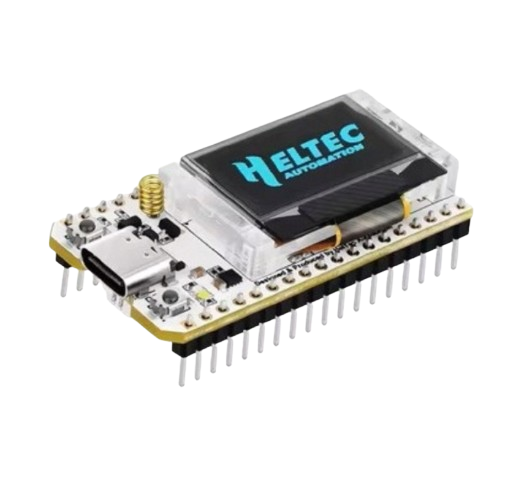
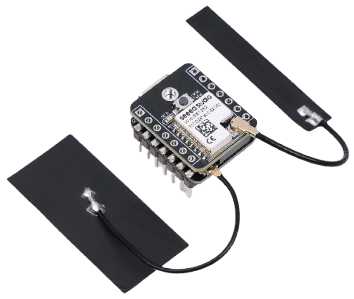 ESP32-S3 + LoRaAny ESP32-S3 board with an SX1262 radio — whatever it looks like. One build, the firmware detects the board itself. Radio = extra RF data category → higher GALU reward weight
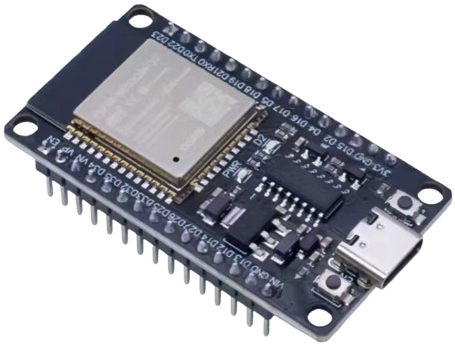 ESP32 (WROOM)ESP32-S3 N16R8
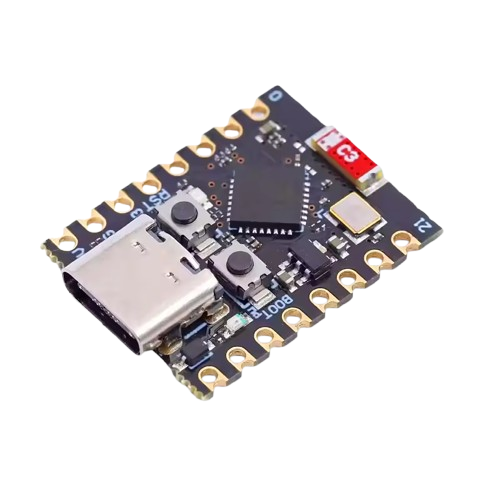 ESP32-C3
Works in Chrome and Edge on desktop (Web Serial). Not available on mobile or in Firefox/Safari.
A regular Sensmos node with a radio. It listens on the LoRa band used in your country — 868 MHz in Europe, 902–928 MHz in the US, 902–907.5 MHz in Brazil, 915–928 MHz in Australia, 920 MHz in Japan and Korea. The band plan comes from the server; you configure nothing.
It measures how busy the airwaves are, hears other LoRa and FSK transmitters and every Sensmos node or sensor in range. When your internet is down it broadcasts up to four readings you chose and takes commands back; your own LoRa sensors reach it encrypted with a key that never leaves the node.
It transmits only when it has a reason, always inside the duty-cycle limit that applies where it stands (1% of airtime in the EU).
It detects the board itself — nothing to pick: Seeed XIAO S3 + Wio-SX1262, Heltec V3 / V4 / Wireless Paper / Vision Master, LilyGo T3-S3, T-Beam S3 Core, RAK3312. A board without an SX1262 works too, as a plain node.
A web flash writes the full image and erases the board, including a previous node identity — “Restore node” in the app brings one back. Later updates happen over the air by themselves.
Your gateway can hear for the network — and earn.
Add sensmos.com:1700 to its packet forwarder and pair the gateway with your wallet in the app: it gets its own card, transmits a coverage beacon every 5 minutes and earns like a node with weight 0.3. Prefer not to touch the gateway? A passive script on it reports what it hears, vouched for by a Sensmos node on the same LAN. Either way, every emergency broadcast or sensor frame it hears reaches its owner.
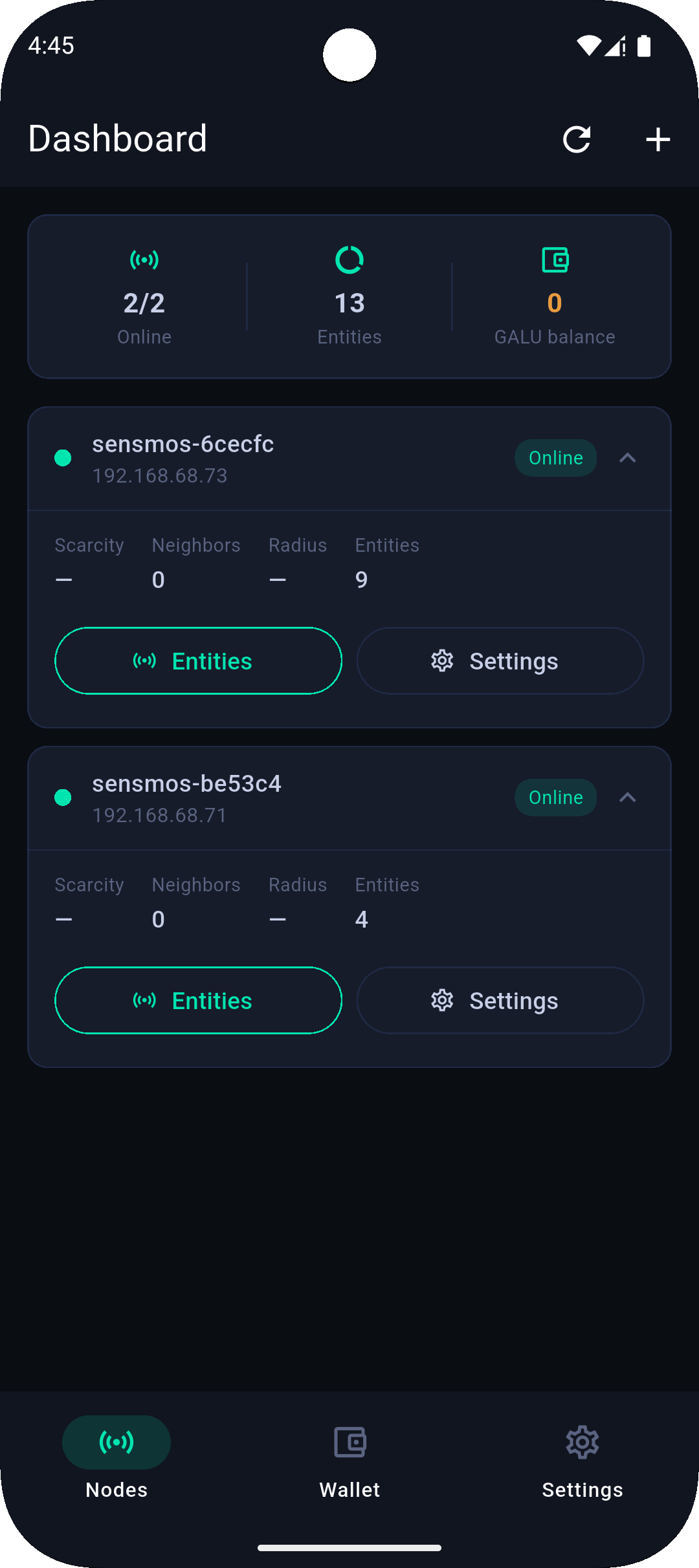
Your network in your pocket
Add nodes over Bluetooth, track entities and your GALU balance, manage the wallet — all from your phone. No cloud, your keys stay with you.
Android · APK · outside Google Play
Full guide: from a bare board to a live node in 10 minutes →