Supported boards
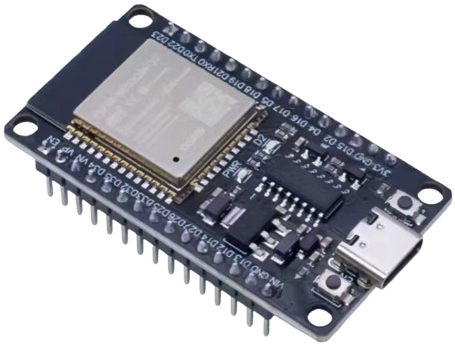
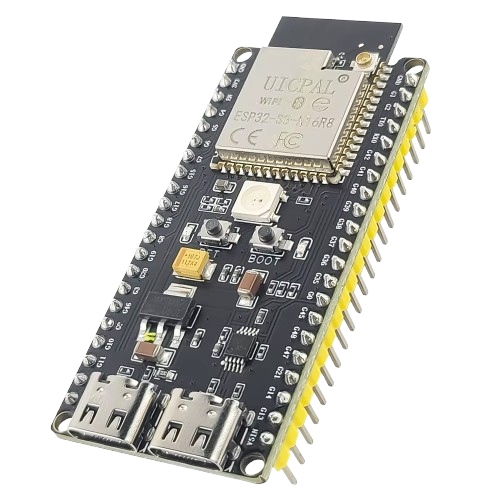
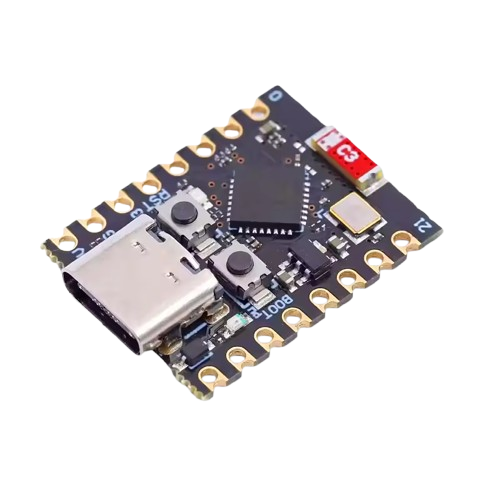
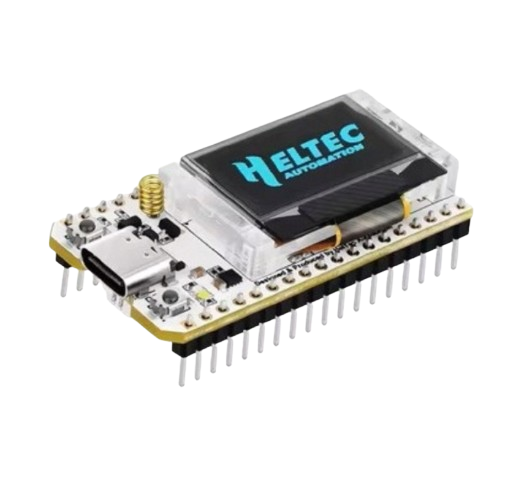
| Variant | Typical boards | Notes |
|---|---|---|
esp32 | ESP32-WROOM dev kits | cheapest, everywhere |
esp32s3 | ESP32-S3 dev kits (8 MB flash) | recommended |
esp32s3-n16r8 | ESP32-S3 with 16 MB flash / 8 MB octal PSRAM | PSRAM enabled build |
esp32c3 | ESP32-C3 (RISC-V, tiny) | low power |
esp32s3-lora | Heltec WiFi LoRa 32 V3, LilyGo T3-S3 and other SX1262 boards | needed for LoRa |
Power draw is under 1 W; a phone charger is enough. No sensors are required — the node measures the internet and hosts your automations out of the box; add sensors over its API, MQTT or Home Assistant.
Flashing vs. updating
- Web flasher (/flash, Chrome/Edge): writes the full image over USB. Erases the board, including a previous node identity — use Restore node in the app to bring an identity back.
- OTA: after the first flash the node updates itself over the air when a new firmware is released; it verifies SHA-256 and rolls back automatically if the new image does not come back online within 5 minutes.
Known issues
- Some boards have a bad flash sector that truncates OTA downloads at the same byte every time (65 480 B). A USB re-flash fixes it; if it recurs after a clean flash, the board is faulty.
- On Android 11 and older, Bluetooth scanning needs Location switched on.
- Wi-Fi networks with a hidden SSID or trailing spaces in the name are supported since firmware 0.56.
The engineering register of hardware problems is kept in the firmware repository.